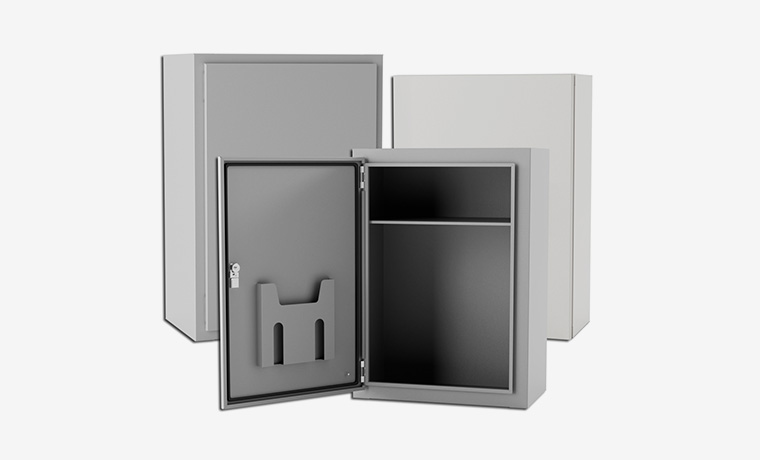
Customized according to needs, optional Material, Door & Lock etc.
Contact Us NowHome / News / Industry news
Industry news
Nov 02,2025
By:Shinging
Content Framework: Server Rack Enclosure
Main Idea
A server rack enclosure is a metal frame. It holds and organizes electronic equipment. This equipment includes servers and network switches. The rack also protects this equipment. It is very important for IT systems and control systems.
1. Introduction and Basic Purpose
1.1. Simple Definition
It is a standard frame or cabinet. It is made to hold electronic hardware.
It makes equipment installation easier. It also makes cable management and maintenance easier.
1.2. Its Main Jobs
Provide Physical Structure: It gives a strong frame for mounting equipment.
Arrange Equipment: It maintains all apparatus in a tidy arrangement.
Shield Equipment: It safeguards devices against dirt and physical harm.
Manage Heat: It is designed to remove waste heat with cooling systems.
Power Distribution: It provides a way to distribute power to all devices inside.
2. Types, Sizes, and Materials
2.1. Common Types
Open Frame Rack: This is a metal frame without side panels. It is good for wiring rooms. It allows for good air flow.
Closed Cabinet Enclosure: This has doors and side panels. It offers better security and protection. It also helps control air flow.
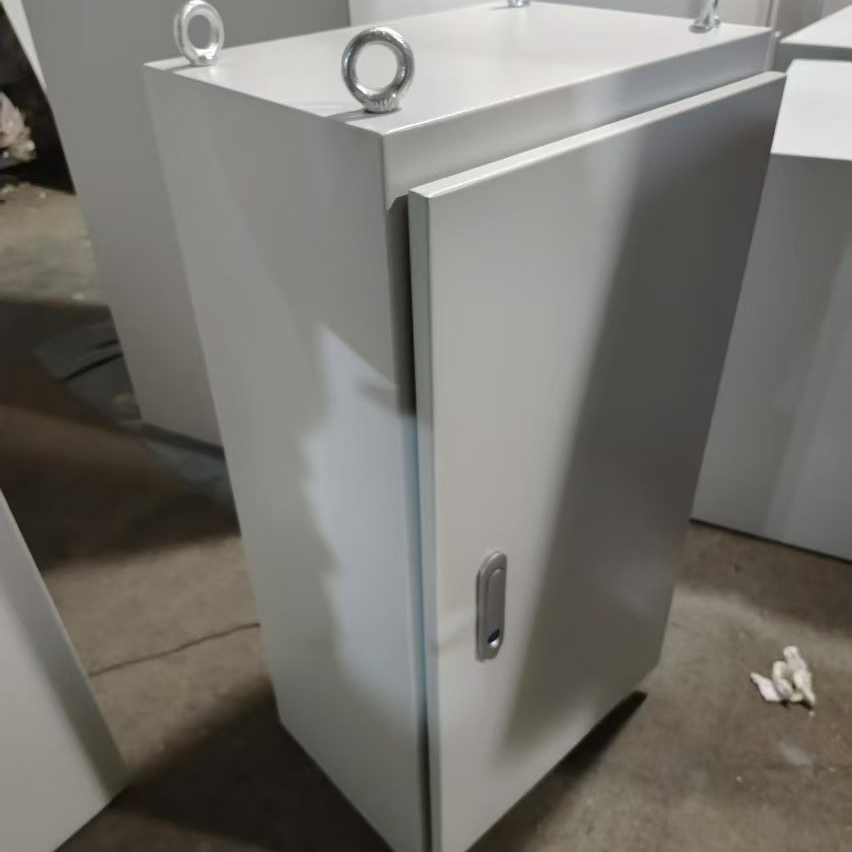
2.2. Standard Sizes
Rack Unit (U or RU): This represents the measurement for rack height. One "U" is equivalent to 1.75 inches.
Overall Height: Racks typically measure 42U or 48U in height. The height determines the quantity of equipment that can be accommodated.
Width and Depth: The width is usually 19 inches. The depth can change for different equipment.
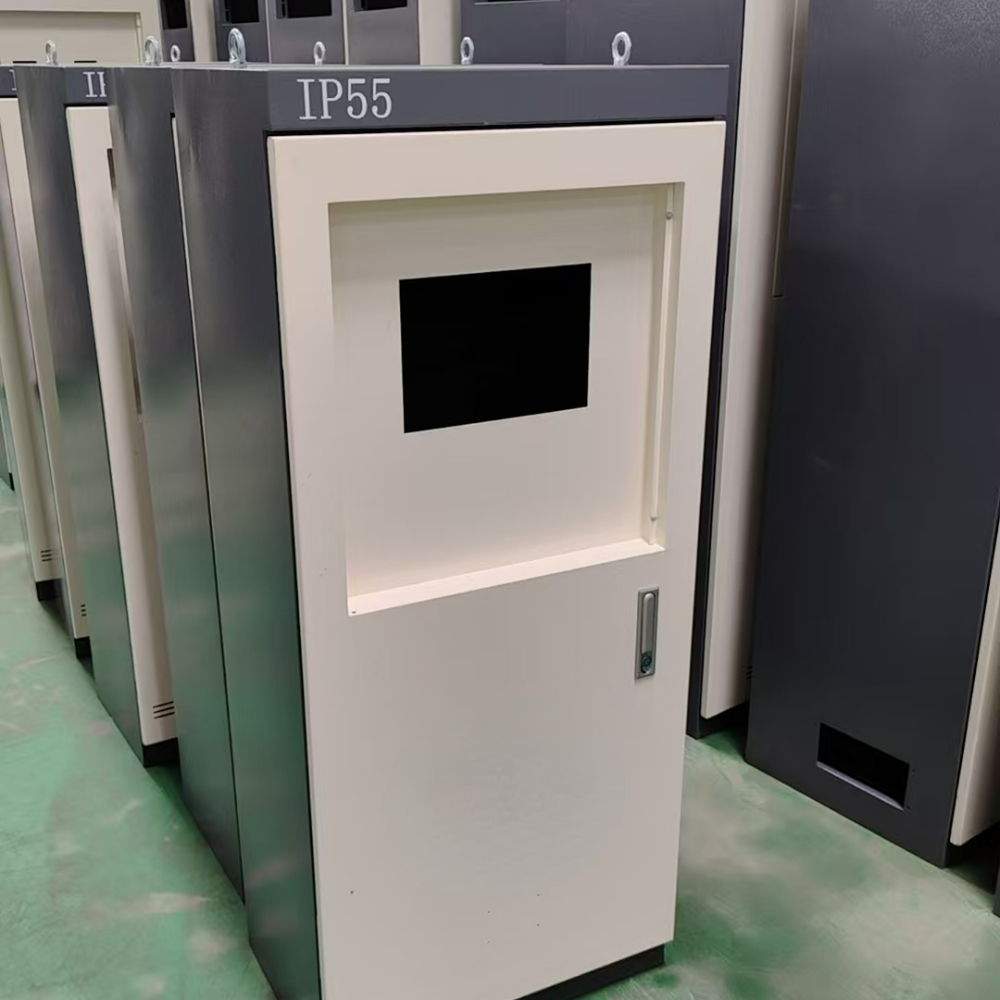
2.3. Materials
Cold-Rolled Steel: This is durable and widely used.
Aluminum: It is more lightweight than steel.
3. Key Parts of a Rack Enclosure
3.1. Basic Frame: This includes the four vertical posts. The posts have holes for mounting equipment.
3.2. Mounting Rails: These are horizontal bars. They hold the equipment securely.
3.3. Doors and Panels:
Front Door: This is often glass or metal mesh. It lets staff see device lights.
Rear Door: This is usually metal. It allows access to cables.
Side Panels: These complete the enclosure.
3.4. Internal Parts:
Vertical Mounting Space: This is the usable space measured in "U."
Cable Management: This includes arms and channels. They keep cables organized.
4. Power and Electrical Systems
4.1. Power Distribution Units (PDUs)
Basic PDUs: These are like power strips. They give many power outlets inside the rack.
Managed PDUs: These are smart. They allow remote control and power monitoring.
4.2. Power Redundancy
Many systems use two power sources. This provides a backup.
4.3. Power Cables
Managing power cables is important. Good management helps air flow.
5. Cooling and Air Flow Management
5.1. The Heat Problem
Servers and switches make heat. This heat must be removed.
5.2. Air Flow Patterns
Front-to-Back: Cool air comes in the front. Hot air goes out the back. This is the most common design.
5.3. Cooling Helpers
Fans: Fans can be added to the rack. They move hot air out.
Vents: Vents allow hot air to escape.
6. Planning and Setup Best Practices
6.1. Placement
Leave space at the front and back of the rack. This allows for maintenance and good air flow.
6.2. Equipment Layout
Put heavy equipment at the bottom. This makes the rack stable.
Organize equipment to keep cables short and neat.
6.3. Cable Management
Use cable ties and management arms.
Label both ends of every cable.
7. Safety and Physical Security
7.1. Physical Safety
Stability: Bolt tall racks to the floor. This stops them from falling.
Weight: Know the weight limit of the rack. Do not put too much equipment in it.
7.2. Security
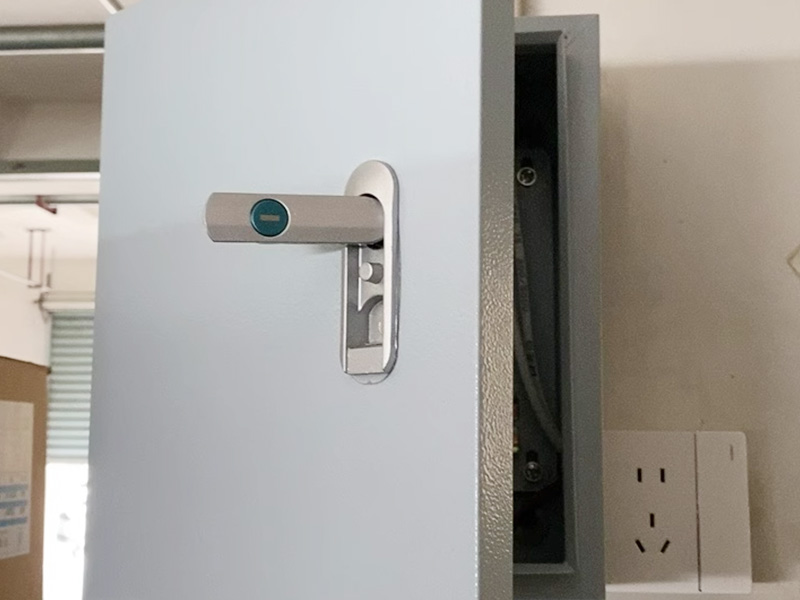
Locks: Use locks on the doors. This stops unauthorized access.
8. Common Mistakes and Problems
Poor Cable Management: Messy cables block air flow. They make maintenance hard.
Blocking Air Vents: Blocking vents causes overheating.
Overloading the Rack: Too much equipment is dangerous. It can exceed weight and power limits.
Ignoring Heat: Not planning for cooling causes equipment failure.
A new compliance rule is changing how buyers source metal enclosure for access control products. Starting June 30, 2026, the U.S. Department of Defens...
Sep 21,2026 / Industry news
A new U.S. tariff rule is changing the game for Amazon sellers. On April 2, 2026, the White House signed a new order on steel, aluminum, and copper im...
Sep 21,2026 / Industry news
The outdoor micro data center enclosure market is growing very fast. It will grow from $1.68 billion in 2025 to $2.01 billion in 2026. That is a 20.1 ...
Sep 20,2026 / Industry newsOnline
Provider of Complete Metal Manufacturing Solutions
+86 18939857433
1188 Jiu Ye Road, Shanghai, China
11561 N Lamar Blvd,Austin,Texas,United States of America,78753
Gyeongin-ro 56-gil 8, ,3F jjbeauty,Guro-gu,Seoul,Guro-gu,Seoul,Republic of Korea
Top
Copyright © 2025 Shinging Technology Co., Ltd.,
Power By Bontop
 English
 Spanish
 Portuguese
 Arabic
 Korean
 Japanese